
Free YouTube Transcript Generators You Want To Know About


If you're reading this article, then you don't have to imagine the situation where you need the text from a lecture, podcast, or interview for your studies. Here's where a YouTube transcript generator can help. Yes, YouTube itself has a built-in transcript, but people still search for separate tools. Why? To get exactly what they want. YouTube built-in transcript has its limitations, and the variety of tools available on the internet is not uniform. Let's dive deeper into this, and hopefully you'll decide on your pick by the end of this article.
1. YouTube's built-in transcript
YouTube's platform provides a native transcript feature using speech recognition technology, which is the fastest option when it works.
What it offers:
Fully free and instant; no extra software or browser plugins needed.
Clickable timestamps jump straight to individual video points, so that you can navigate a long lecture in seconds.
Multi-language support; it handles many languages, though accuracy varies with accents and speaking patterns.
No account required; works on desktop and mobile.
Limitations:
Available on the majority of videos but not all (creators can disable captions, and live streams or newly uploaded videos may not have one yet).
The timestamps are too detailed, so it's pretty time-consuming to 'scan' a video plot.
Mobile app hides the Transcript option quite often.
No built-in copy or download button; the text has to be selected manually, and with timestamps on, or they get copied along with the text.
2. Clarify AI: YouTube Summaries & Transcript
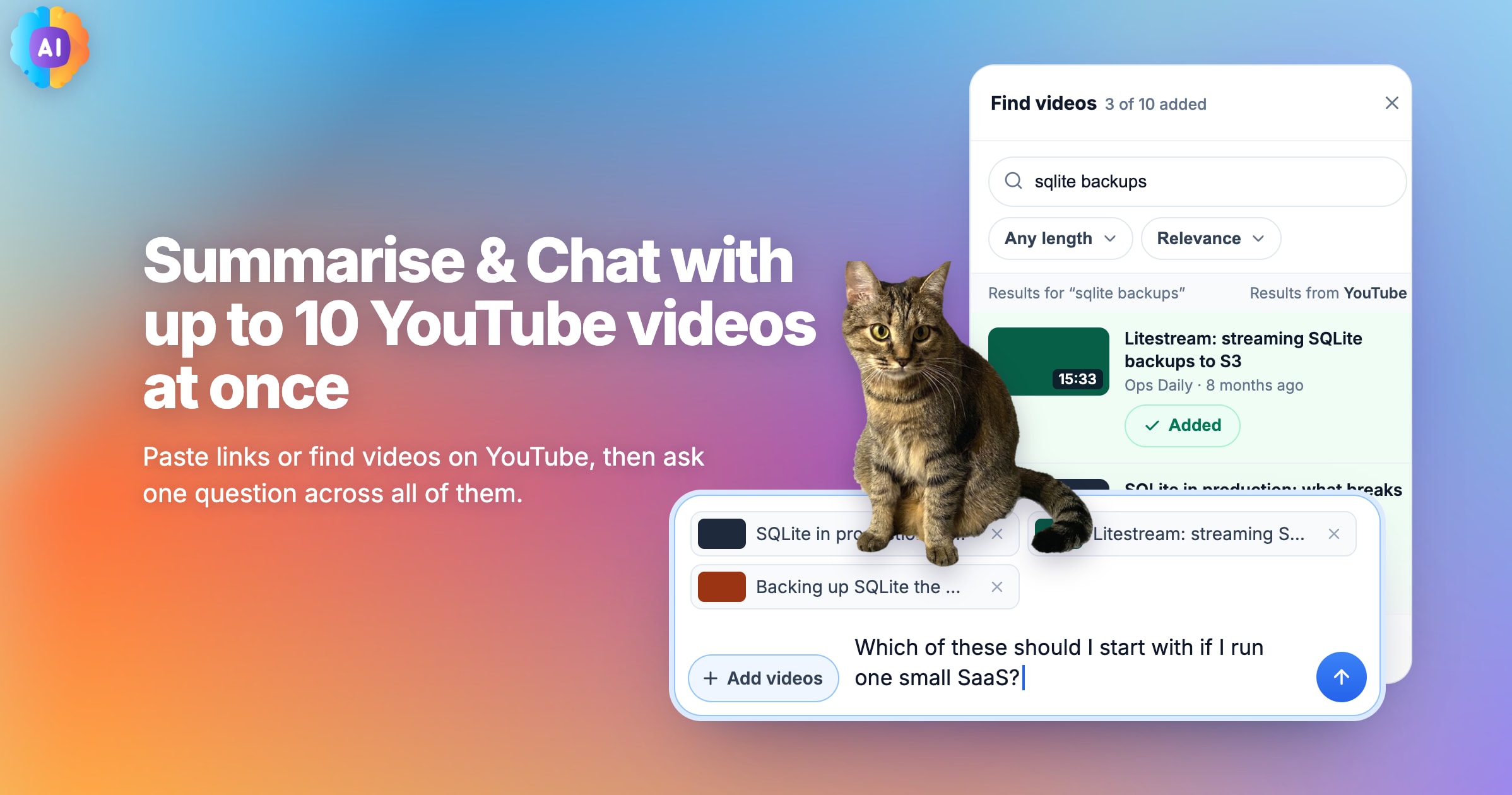
Clarify AI is both a web app and a Chrome extension that summarises and transcribes YouTube videos along with offering features for its analysis. No account is needed for basic quick use.
What it offers:
Two ways to work: paste a video link on the website and get a transcript right away, or install the extension and use it on YouTube, where the panel sits beside the player so you can read and watch at the same time.
Transcript with clickable timestamps: click any line to jump the video to that moment.
AI summary and chapter breakdown: get the main ideas and structure of a video before or after you watch it.
AI chat: ask follow-up questions about the video, or request a glossary of key terms with definitions.
Translation: translate transcripts and summaries into 50+ languages.
One-click copy and export: copy and export summaries and transcripts as .txt, .docx, or .pdf, with shareable links.
Comment summaries: get a quick overview of what viewers say about the video.
Bookmarks: save the essential parts of a video for later.
Custom prompts: personalize how the AI works with the video, for example, by adjusting length and tone.
Limitations:
Works with videos up to 3 hours long.
The free plan has usage limits, extended functionality is split between paid plans.
Summaries and answers are AI-generated, so check important facts, terms, and translations against the original.
3. YouTube-Transcript.io
A straightforward web tool: paste a YouTube link, get the transcript. No frills, no account wall for basic use, and it's built for developers who need an API.
What it offers:
Instant transcript: paste a link and the transcript appears in seconds, pulled from YouTube’s caption track.
Copy and download: copy the text in one click or download it as TXT. SRT, VTT, and CSV formats are also offered.
Search and jump: search inside the transcript and jump to the exact point in the video.
AI summary: get a summary of the video’s transcript.
Bulk exports: export transcripts for playlists and channels on paid plans.
API for developers: automate transcript fetching at scale with a simple API.
Limitations:
Works only with videos that already have a YouTube caption track; it doesn’t transcribe audio itself.
The free plan provides basic, limited functionality; extra features and unlimited usage are offered in paid plans.
The API requires a token from your profile and is available on paid plans only.
Channel exports via the API are capped per request.
The API is credit-based, so heavy usage requires a higher plan.
4. Any Video to Text
A web tool that turns videos from TikTok, YouTube, Instagram, Facebook, and X into text: paste the link and press 'Get transcript'.
What it offers:
Many platforms in one place: paste a video link from TikTok, YouTube, Instagram, Facebook, or X and get the transcript.
AI transcription when there are no captions: the audio is converted by Whisper speech recognition, which handles accents, fast talk, and background music well.
Timestamps: turn them on to see the time of each line.
AI summaries are provided on the separate page.
Subtitle files: download the transcript as an SRT or VTT file for video editors.
Translation with timestamps: pick one of 36 languages above the transcript, and the translation keeps its timing.
Translated downloads: SRT, VTT, TXT, and DOCX files come out translated too.
Limitations:
Translation covers 36 languages, fewer than the roughly 100 supported for speech-to-text.
It’s a standalone web tool, so you paste a link rather than working with the transcript inside the YouTube player.
Summaries are AI-generated, so check important facts, terms, and translations against the original.
A free plan for transcripts and summaries is available with daily limits; paid plans offer more. The platform offers a 'credit-based' model, check for current rules right on their pricing page.
Which one to choose?
Tool | Free plan | Best for |
|---|---|---|
YouTube built-in | Unlimited | Quick reading, no download needed |
Clarify AI | Yes, limited | Deep work with a generated text. Summaries + transcripts in one extension, or right on the website. |
Yes, limited | Developers, API access | |
Any Video to Text | Yes, limited | Multi-platform, videos without captions |
Privacy, accounts, and when free is enough
None of these tools store your transcripts permanently; YouTube URLs and transcript data are processed temporarily. For more details, check each tool's current privacy policy.
When a free tool is sufficient: If you're transcribing one or two videos a week, skimming lectures for study notes, or pulling quotes for an article, the free tiers cover most use cases. You'll only hit limits if you're processing entire playlists, transcribing videos longer than 30 minutes without captions, or exporting dozens of subtitle files.
Conclusion
Choose your fighter: for a quick read alongside the video - YouTube's built-in transcript is fine and costs nothing. If you also want a summary together with a transcript and features to work with it - Clarify AI can cover that. YouTube-Transcript.io, in its turn, is the straightforward choice for developers or anyone who needs an API. In case, you're working with videos that have no captions, or videos on TikTok, Instagram, or other platforms, Any Video to Text would be really helpful.
Have you decided on your pick? If not yet, don't wait and go try the options you liked most!
All information in this comparison is accurate as of November 2026. Prices and features may change, so check each tool's website for current details.